Instant web retune
Drop in WAV, MP3, M4A, AAC or FLAC. Preview and export without sending the recording to a server.

Move a complete recording from A=440 to A=432 with exact −31.77-cent conversion, private local processing, and mastering-ready output.
−31.77cents
Exact pitch shift24bit
Clean WAV output0uploads
Audio stays local$4limited
Limited-time full systemHear it without guessing
Switch between 440 and 432 without losing the musical position. Click anywhere to seek, or drag directly on the real waveform to loop the exact section you want to judge.
Click to seek · Drag a section to loop · Switch A/B while playing
NoDAW-generated audio is used until licensed 440 / 432 examples are installed. Paired masters remain mapped to the same musical position.
The instrument
Free previews are unlimited and clearly export the first half of the recording. Full-length web and offline batch processing unlock together for a limited-time $4 launch price.
WAV (incl. RF64 / 32-bit float), MP3, M4A/ALAC, AAC, FLAC, AIFF, OGG/Opus, MP4/MOV audio · Up to 180 MB
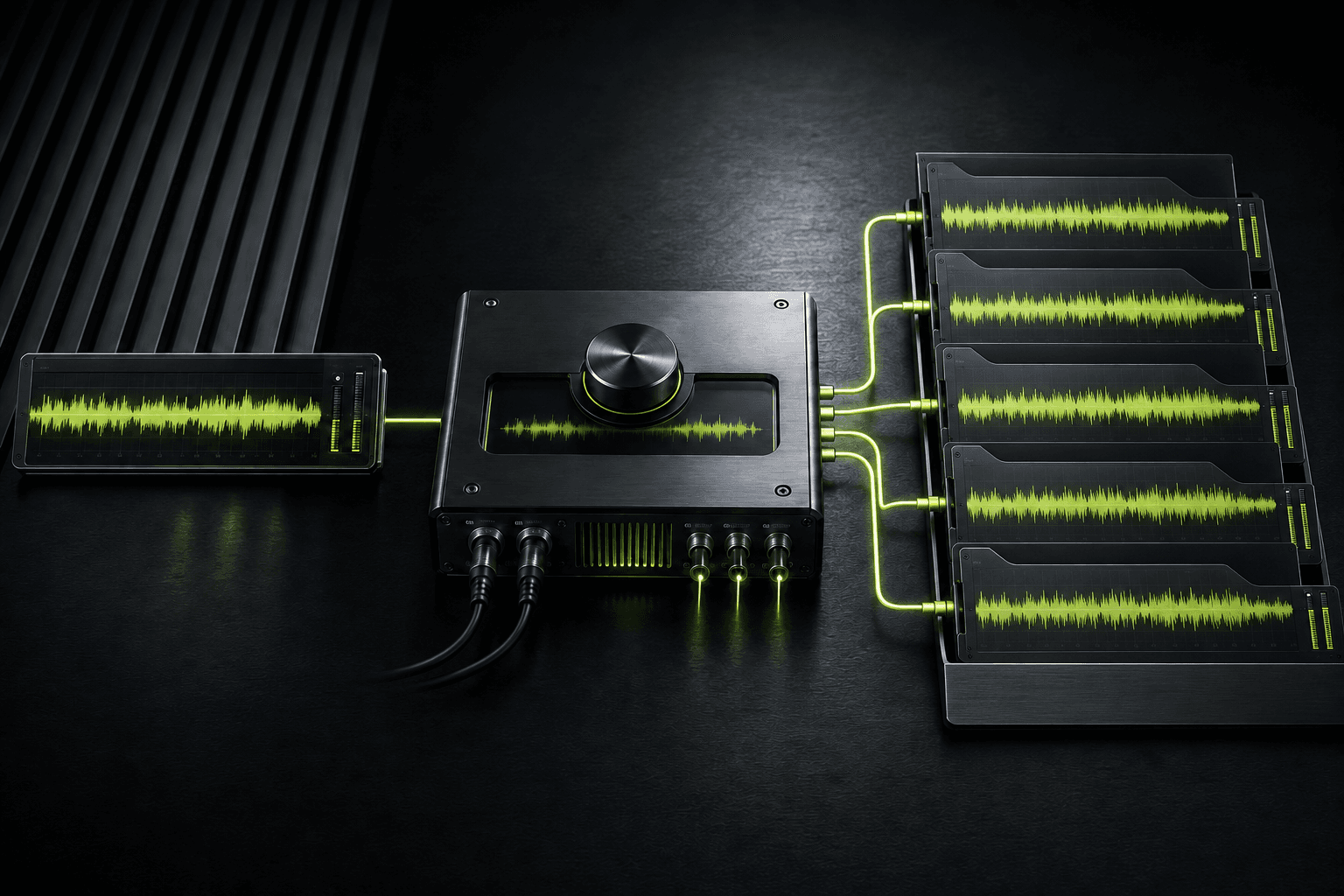
Private web engine + offline batch system
Use the browser for fast listening tests. Use the downloadable Windows batch system when you need full folders, alternate frequency references, repeatable output, and optional LUFS delivery targets.
Drop in WAV, MP3, M4A, AAC or FLAC. Preview and export without sending the recording to a server.
Process single tracks or entire folders with FFmpeg. Choose 432, 435, 436, 438, 440 or a custom reference.
Optional loudness normalization targets for streaming, club playback, podcasts, and clean archival delivery.
The measurable part
A4=440 Hz is the modern standard reference. reTUNE applies a ratio of 432 ÷ 440 = 0.981818, lowering the entire recording by 31.77 cents.
That changes pitch and, in the classic resampling mode, lengthens playback by about 1.85%. It does not prove medical, spiritual, or therapeutic effects. The reason to use it is simple: you prefer how it sounds.
The Frequency Journal
Twelve complete long-form guides covering engineering, history, listening, and the conspiracies as rumors rather than settled fact.
The exact mathematics, the audible result, and the difference between retuning, EQ, tempo change, and sample-rate conversion.
12 min read · 6 sectionsThere was no single ancient global pitch. The modern reference emerged from instruments, measurement, broadcasting, manufacturing, and compromise.
14 min read · 6 sectionsA neutral inventory of the Nazi, Rockefeller, cosmic-number, healing, and natural-frequency stories, clearly labeled as rumors rather than proof.
16 min read · 7 sectionsA repeatable method for controlling loudness, timing, expectation, and fatigue.
10 min read · 6 sectionsA lawful genre-spanning test list built around musical characteristics rather than unauthorized downloads.
11 min read · 6 sectionsWhy the algorithm matters, when duration should change, and what to inspect after rendering.
13 min read · 6 sectionsRetuning and loudness delivery are separate. Combine them without clipping or disguising the comparison.
12 min read · 6 sectionsVersioning, naming, quality control, metadata, and client communication for producers and artists.
11 min read · 6 sectionsPreflight, naming, logging, verification, and recovery for large audio folders.
12 min read · 6 sections435, 438, 442, historical pitch, and custom targets without treating one number as universally correct.
12 min read · 6 sectionsWhat stays in the browser, what a local workflow protects, and what privacy language should never overpromise.
9 min read · 6 sectionsRights, source quality, duration, loudness, metadata, distribution, and honest promotion.
13 min read · 6 sectionsOne purchase. No subscription.
Secure checkout on Gumroad. Your license key arrives on the receipt page and by email; paste it below to unlock Pro in this browser.
Bought reTUNE[432] Pro on Gumroad? Paste the license key from your receipt to unlock full-length renders and the offline batch tool.
Lost your key? Check your Gumroad receipt email or your library at gumroad.com/library. Still stuck? Email NoDAW@nodawlabs.com.